UltimateData™ is equipped with an advanced backup system.
Each time user is exiting the program, the system recommends to backup the
database. In additional user may backup directly from the program using
the 'Backup' button or the 'Restore' option from the 'Setups' pull down
menu.
Backup
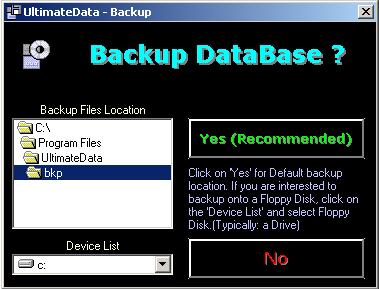
The system backups automatically to a default folder. The
folder is:
Installation Drive/Program Files/Ultimate Data/Bkp
You may choose to backup into other locations like floppy
drive A: or any other local folder.
Restore
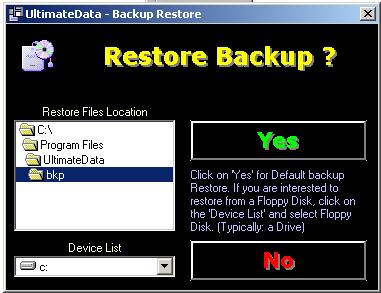
The system Restores automatically from the default folder. The
folder is:
Installation Drive/Program Files/Ultimate Data/Bkp
If you restore from a different location or media (Drive A: or
any other) please navigate to the appropriate location.
For
any questions please email us at: info@tayden.com



