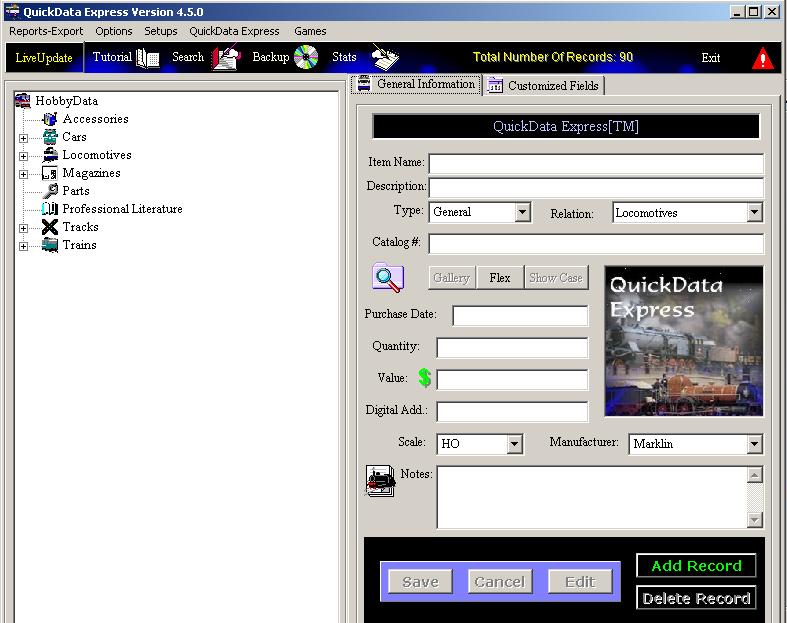
QuickData Express™ provides you with twenty (20) customized fields. You can
customize the field title and content.
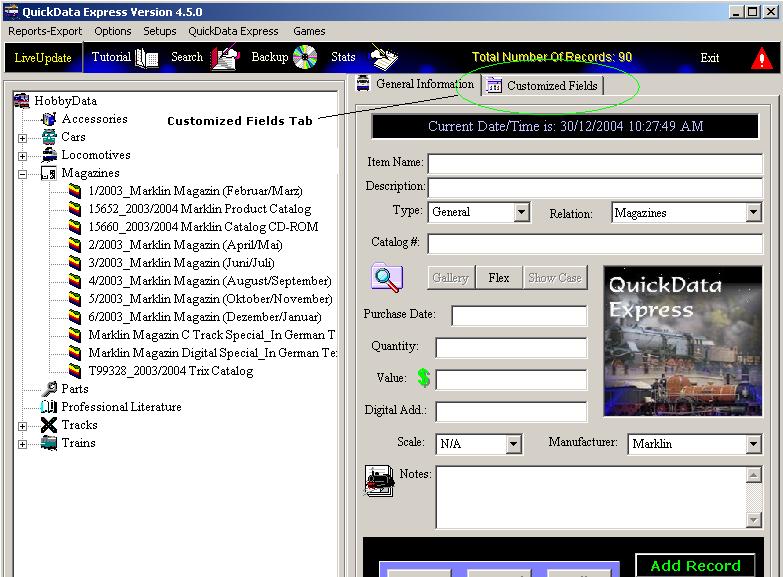
Simply click on the 'Customized Fields' tab.
Please Note: Customized Fields are Length-Limited for Report Print
purposes.
Customized Fields Panel

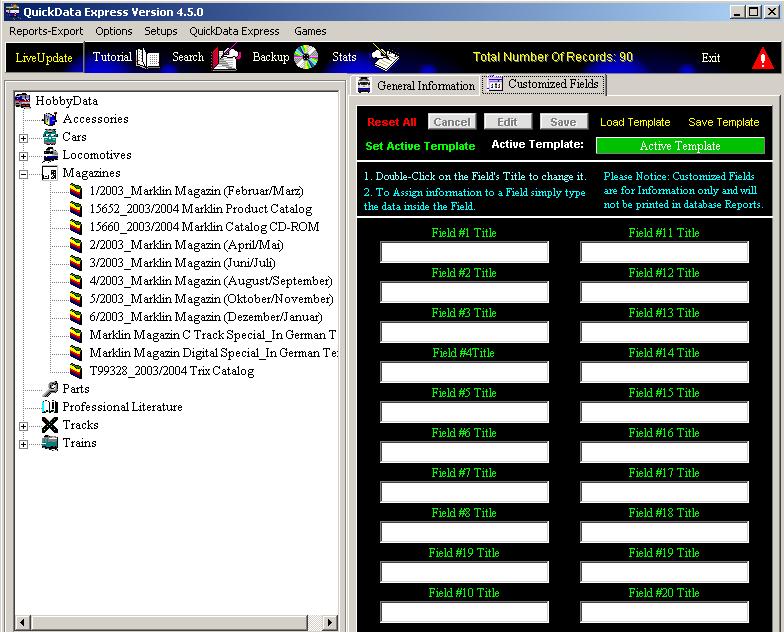
Defining a Customized Field
1. Click on the field's Title to change it's contents.
2. Type at the field's Text area the Field content.
3. When you are done with Customized Fields assignment you
may save this setup as a Template for future use.
To save this configuration as a template
1. Click on the Save Template button.
Assign a meaningful name and save.
To Load a Template
1. Click on the Load Template
button. Load the Desired Template.
To SET a configuration as a
Template
1. Click on: 'Set Active Template
button. The Active Template is the recent assigned customized fields
configuration.
-
To Complete the Addition or Edition operation
-
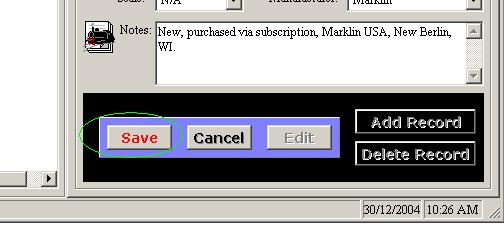
Click on the flashing 'Save' button!
For
any questions please email us at: info@tayden.com